Biometric Device Guide for Drive-Thru and Retail Teams
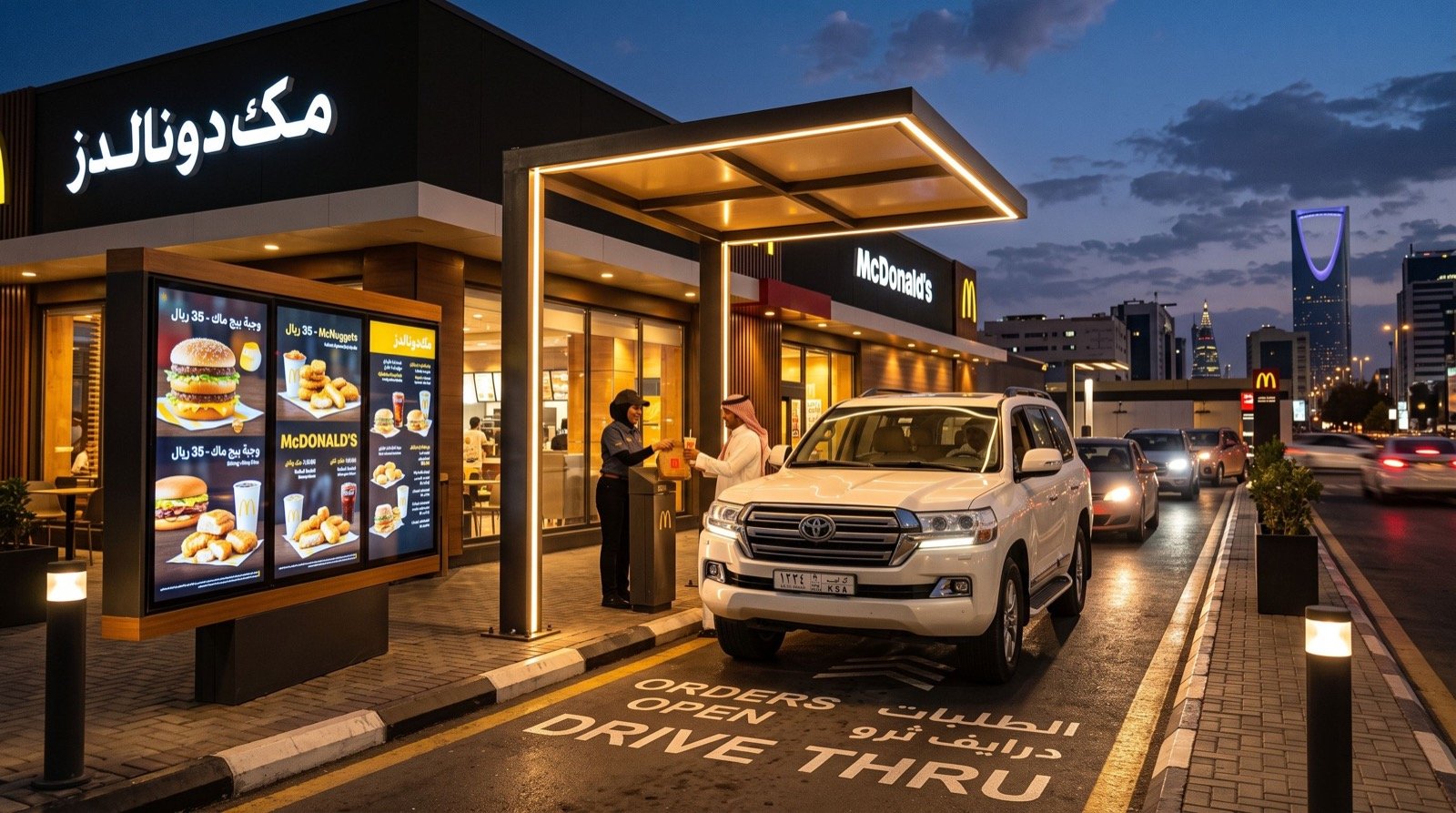
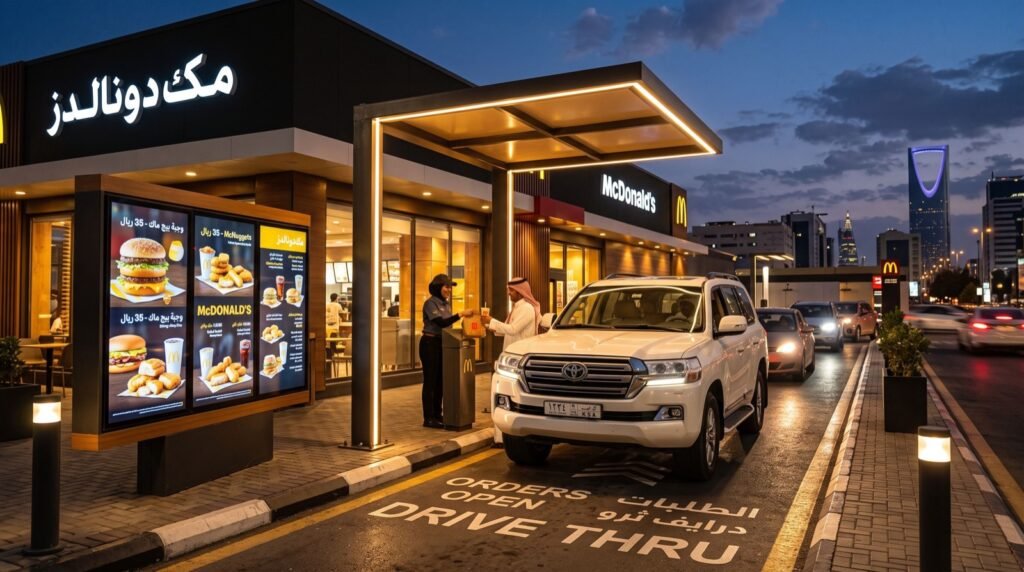
Running a fast-food or retail operation means managing a rotating team across long, uneven shifts. A modern Biometric Device gives managers accurate clock-in data, while a HME drive thru in saudi arabia keeps the customer lane moving. Together they tie staffing directly to speed of service.
This guide is for restaurant owners and store managers who want to connect those two worlds. You will see how attendance data improves lane performance, what to look for when buying, and how to roll it out calmly.
Why Attendance Data Belongs in Your Service Strategy
Most owners treat time clocks as a payroll chore. That wastes valuable information. Knowing precisely who was on the floor during each ten-minute window explains why some lunch rushes run smoothly and others collapse.
Picture a coffee chain with a drive-thru. Average service time jumps every Thursday evening. Without records, managers blame the menu. Attendance logs reveal that two experienced headset operators leave at six, right before the surge begins. The fix is a shift change, not a new menu.
What a Biometric Device Does Well
A biometric terminal identifies staff by fingerprint, face or palm, depending on the model. It replaces cards and PINs that can be shared or lost.
Main Benefits for Restaurants
- Accurate records that cannot be passed to a colleague.
- Fast clock-in, even with busy hands, when the sensor is well placed.
- Automatic shift, overtime and lateness reports.
- Reduced payroll disputes and admin time.
Fingerprint, Face or Palm?
Kitchens create challenges. Flour, oil and gloves can disturb fingerprint reading. Face recognition works without touch, which many teams prefer for hygiene. Test every candidate in your actual kitchen before buying.
How Do You Choose the Right Terminal?
Match the device to the working environment rather than to a brochure. The table below compares common options.
| Type | Best for | Watch out for | Hygiene |
|---|---|---|---|
| Fingerprint | Offices, stores, back rooms | Greasy or wet fingers | Touch required |
| Face recognition | Kitchens, busy entrances | Low light, masks | Touch-free |
| Palm | High-security areas | Higher cost | Touch-free |
| Card plus PIN | Temporary staff | Sharing, loss | Touch required |
Linking Staff Data to Drive-Thru Performance
Once both systems run, review them side by side every week. Your drive-thru timer reports show when service slows. Attendance logs show who was working at that moment.
- Export the slowest hours from the drive-thru timer.
- Pull attendance for the same hours.
- Count how many experienced staff were present.
- Compare with a fast day at similar volume.
- Adjust the schedule, then watch the next week’s numbers.
A tip worth testing: place a new hire next to a veteran for their first ten shifts. Attendance records show the pairing, and timer data shows whether service speed holds up during training.
Standards, Privacy and Staff Consent
Biometric templates are sensitive. Reputable devices store encoded templates, not photographs of fingerprints. The NIST biometric evaluations offer independent accuracy data that helps you compare technologies without relying on marketing claims.
Always tell staff what is collected, who can view it and when it is deleted. Ask for written consent where required by your local rules. Clear communication prevents most pushback.
Installation Tips for Busy Sites
- Mount the terminal at the staff entrance, not near the kitchen pass.
- Keep it away from direct sunlight and steam.
- Use a wired network connection where possible for stable syncing.
- Back up attendance data daily to the cloud or an office PC.
- Set a short grace period to avoid penalising people caught in traffic.
Finding qualified help for wiring and setup is half the battle. dependable specialists can configure terminals, link software and train managers in a single visit.
Common Pitfalls
Buying Without a Trial
A device that works in a showroom may fail with kitchen hands. Insist on a trial period with real staff.
Forgetting Temporary Workers
Seasonal staff may not justify enrolment. Plan a simple card or PIN route for them, and keep records consistent.
Ignoring the Reports
The device records everything, but data only helps if someone reads it. Schedule a short weekly review and assign an owner.
A Week-One Rollout Plan
New technology lands best when the first week is structured. Use this simple timeline for a single restaurant or store.
Days One and Two: Prepare
Install the terminal, connect it to the network and test it with management first. Fix placement problems before the wider team arrives.
Days Three and Four: Enrol
Enrol staff in small groups during quiet periods. Take two samples per person and test each enrolment immediately. Note anyone who struggles and plan a backup method.
Days Five to Seven: Review
Run the system live and check the first reports. Look for missing punches, odd patterns and rejected scans. Meet briefly with the team, answer questions and adjust grace periods.
- Keep a printed quick-start card beside the terminal.
- Assign one manager as the device owner.
- Collect feedback after the first full week.
By the end of the first week, you should have a clean baseline. That baseline lets you judge whether later schedule changes actually improve drive-thru speed.
Revisit the plan after thirty days. Compare overtime hours, lateness and drive-thru timer averages with your baseline, then decide whether to add terminals at other sites. Small, measured steps build trust with staff and owners alike.
Frequently Asked Questions
Is a biometric device legal for staff attendance?
Rules vary by country and sector. Generally you need a clear purpose, secure storage and staff awareness. Check local labour and data-protection guidance before rollout.
What if the device cannot read someone’s fingerprint?
Re-enrol with a different finger, clean the sensor, or offer a face, card or PIN alternative. A fallback prevents unfair lateness marks.
Can the data feed payroll software?
Most terminals export CSV or connect directly with payroll tools. Confirm compatibility before purchase.
How often should I review attendance reports?
Weekly works well for restaurants. Review monthly for trends and quarterly for scheduling changes.
Conclusion
A reliable Biometric Device gives you honest staffing data, and a well-tuned HME drive thru in Saudi Arabia turns that data into faster service. Test devices in your own kitchen, protect staff privacy and review reports weekly. Start a small pilot at one site in 2026 and compare the results with your current numbers.